

RubixMobile · rubixmobile.app
Asbestos survey reporting, supercharged.
Manage your entire asbestos survey workflow in one app, from site inspection to report delivery, in the office or on the move. Built for asbestos consultants and surveyors who need reliable, compliant reporting without the overhead.
How it works
Three steps from instruction to issued report.
Create the job
Client, site and survey details in one form. The job is tracked from this moment on.
Record findings on site
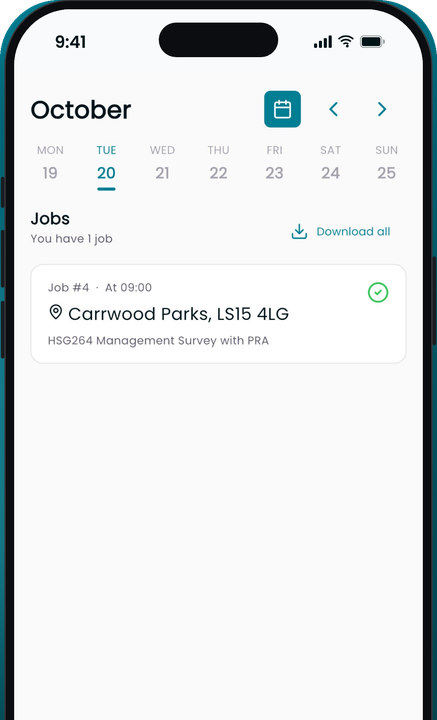
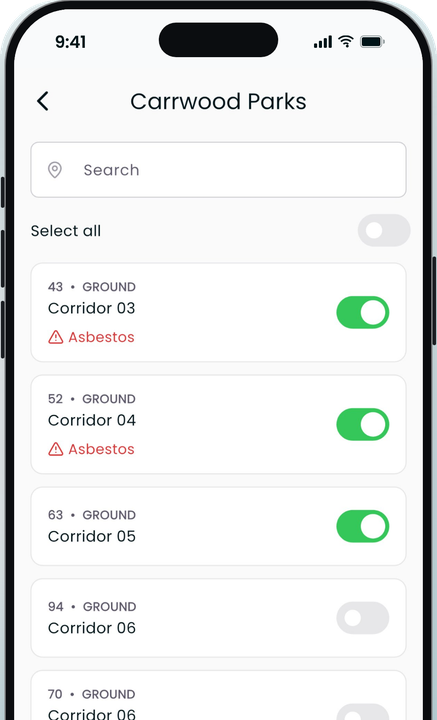
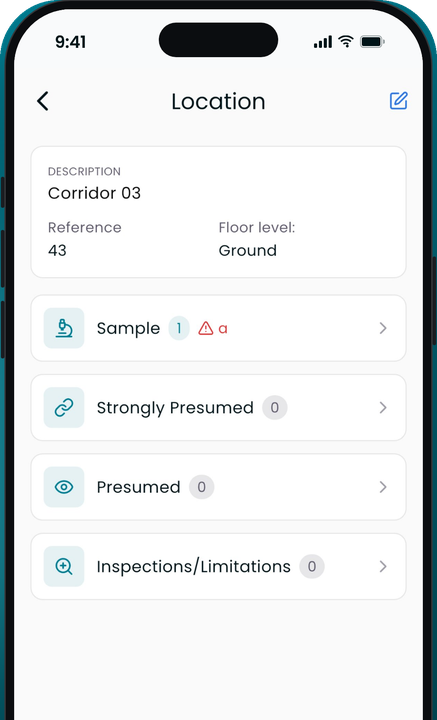
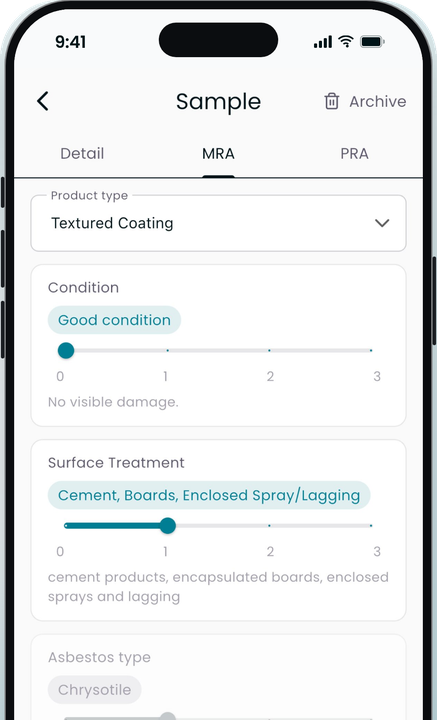
Inspection items and location data captured in the app, with photos and samples attached to each item.
Generate, review, deliver
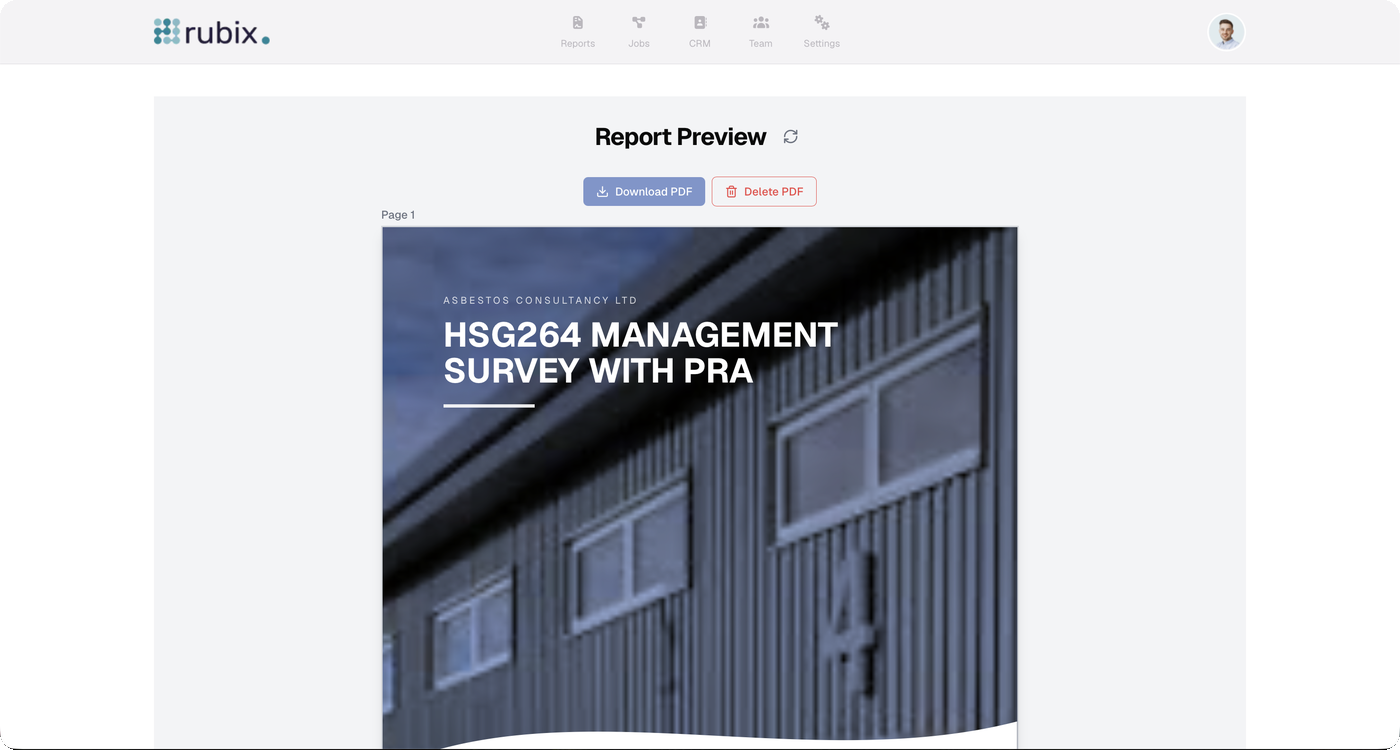
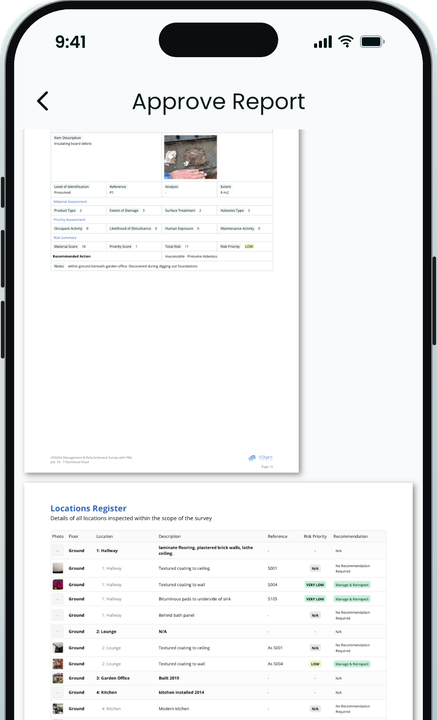
One click produces the PDF. Review it, approve it and deliver it to the client.
In the app
The whole job, on your phone. All offline.
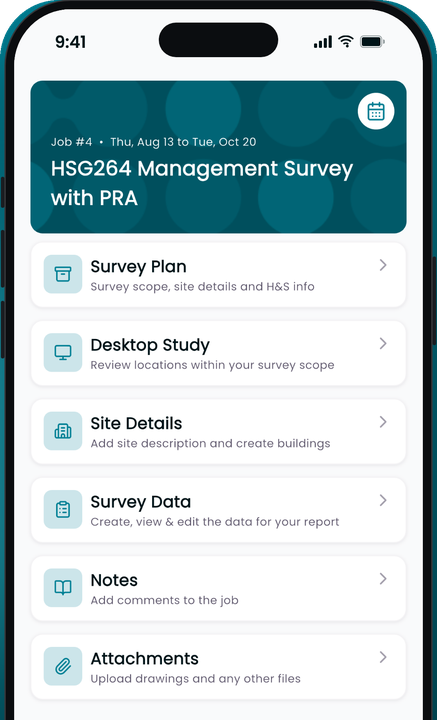
Scope, site details, RAMS, data, notes and attachments on one screen. No external documents, no signal needed.

In the office
The web portal runs the rest of the workflow.
End-to-end report tracking
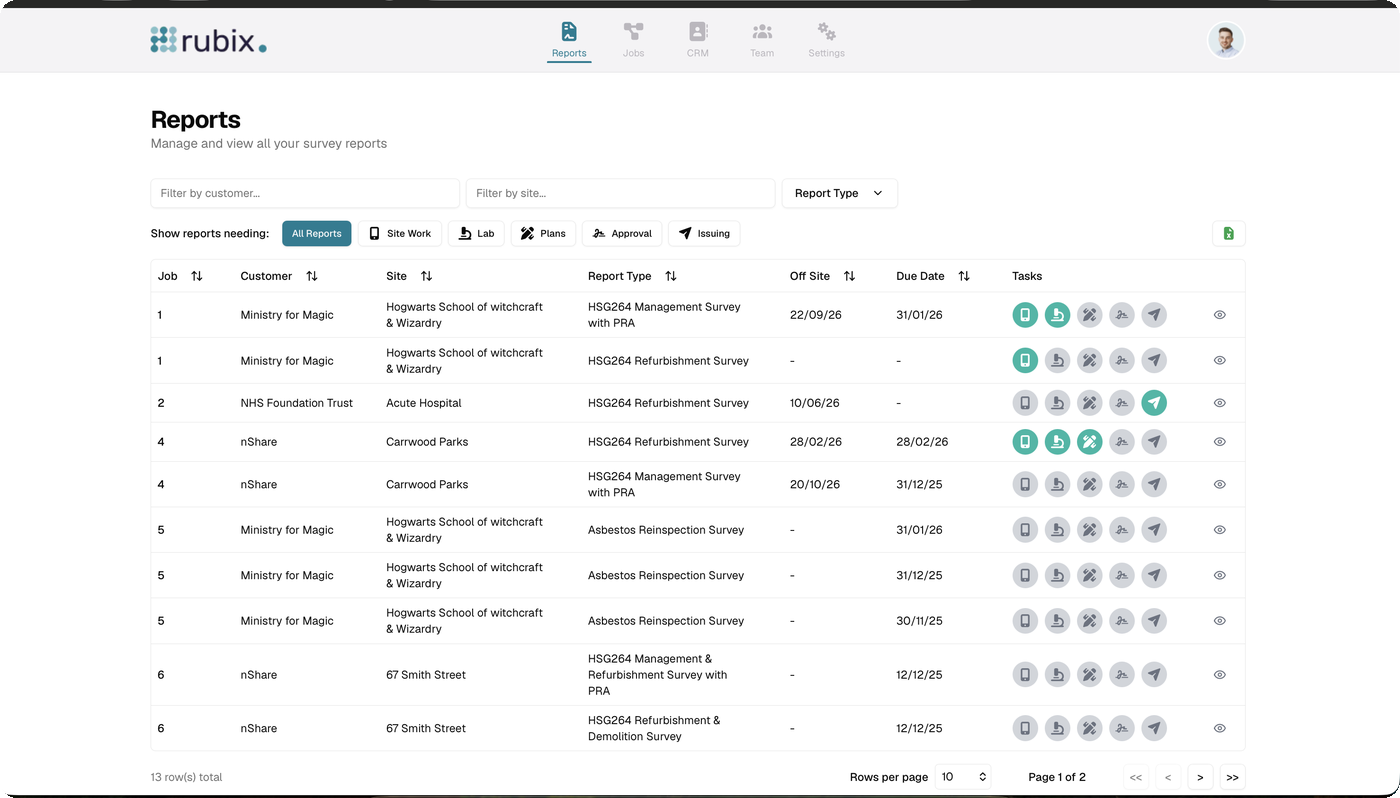
Every job, every stage, in real time.
Follow each job from instruction to issue, with live status for site work, lab analysis, plans, approval and delivery. Filter the reports list by stage to see exactly what's waiting on whom.
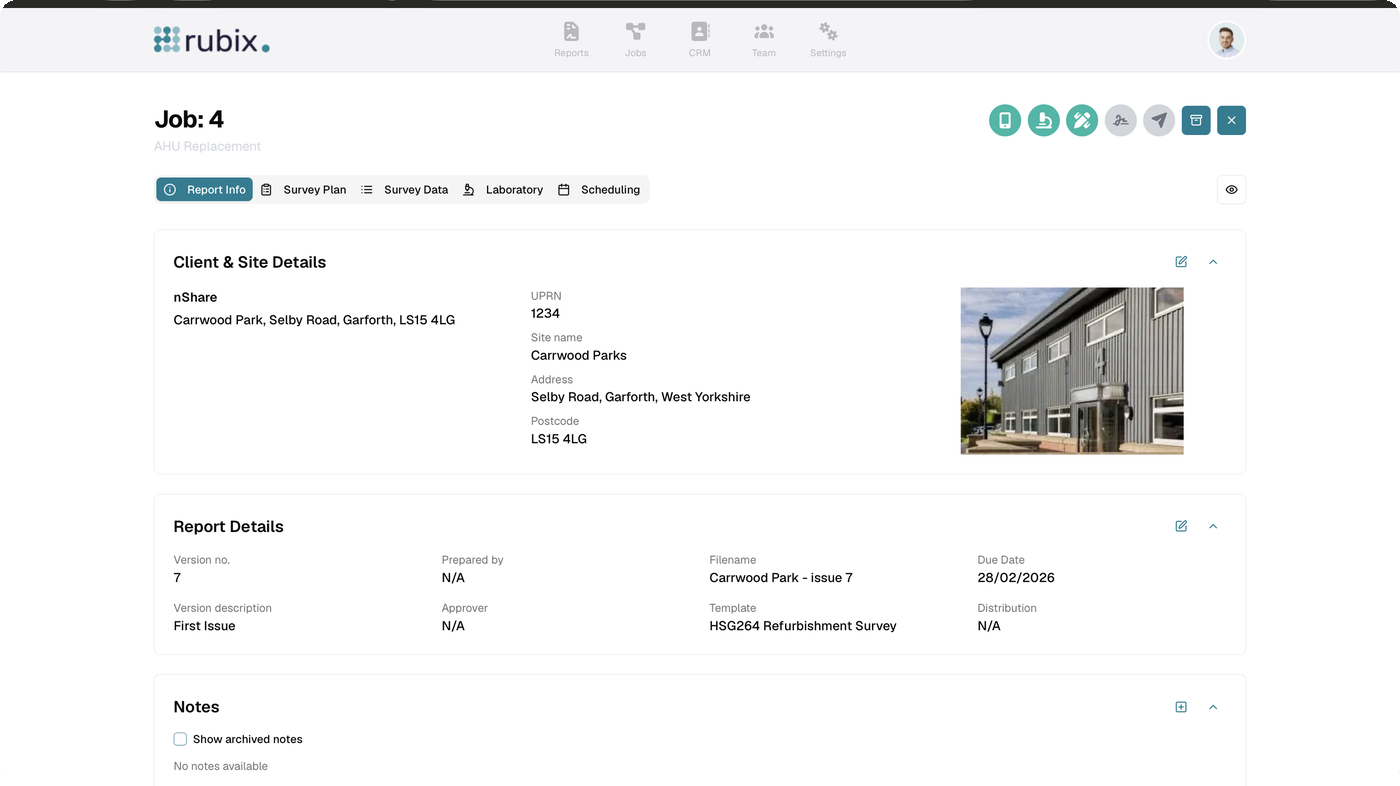
Job page
One page for the whole job.
Client and site details, report versions, template, due date and notes, with the survey plan, survey data, laboratory and scheduling a tab away. The task icons at the top show where the job is at a glance.
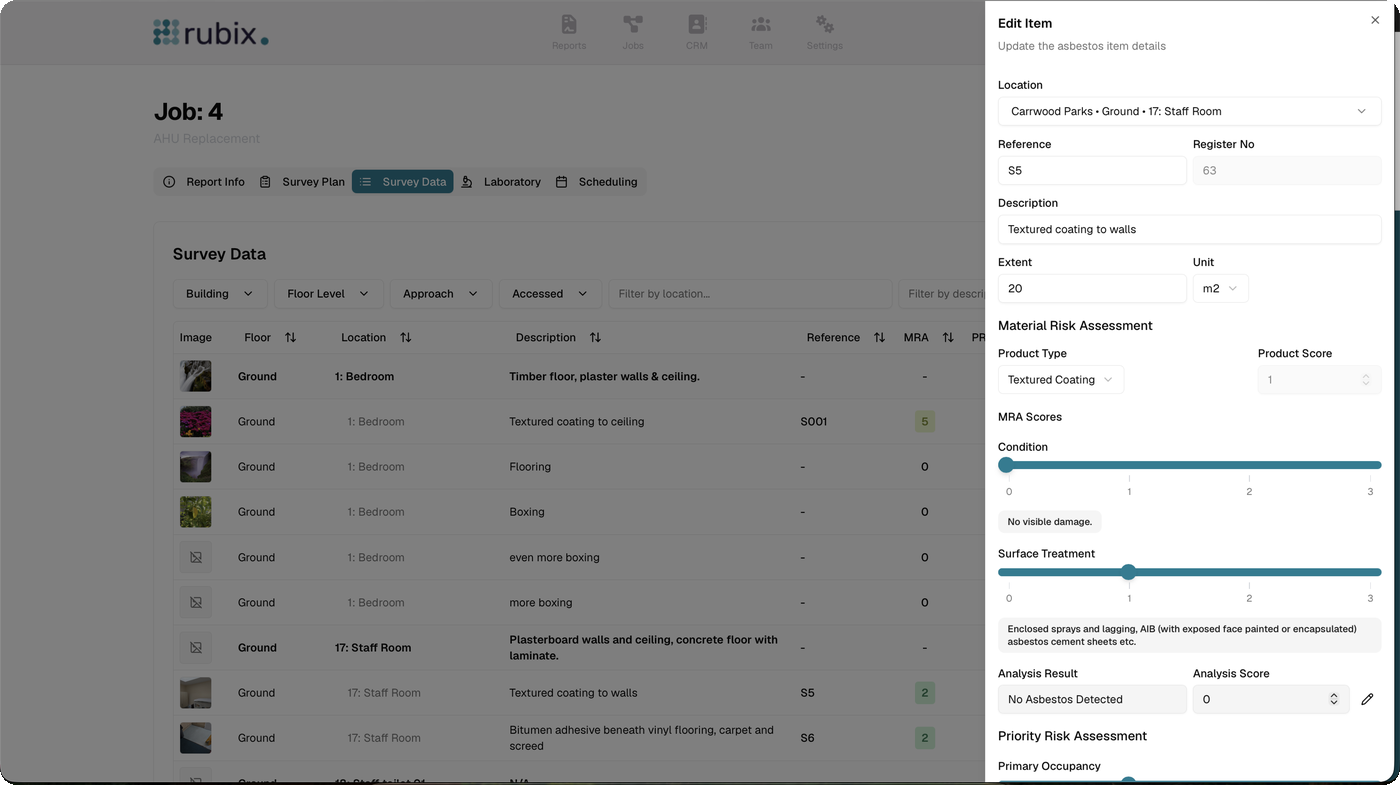
Survey data
Review and correct findings from the office.
The same items the surveyor recorded on site, filtered by building, floor, approach and access. Open any item to adjust MRA and PRA scores, add the analysis result and extent, and see the register number it will carry into the report.
Templates
Your standard text and survey setups, managed by you.
Build reusable survey plans, inspection items and location PRA templates, and manage your standard report text yourself. No support ticket to change a paragraph.
Client-specific lists
Dropdowns that match each client's own system.
Set global default lists, then override them per client so the values you pick on site match the client's exports exactly. Faster entry, fewer corrections, cleaner data on the other end.
And the rest
Less typing on site. Less chasing in the office.
Presets
Common asbestos item presets and location priority risk assessment defaults, so a typical finding is a tap, not a form.
Team management
Manage roles and licences: signatories, operators and admins. You only pay for Operators, the people doing the surveying.
Dedicated report preview
A live PDF preview of the HSG264 survey alongside its section tabs, so what you approve is what the client gets.
Deliver straight into your client's compliance record.
When a client is on nShare Dutyholder, an issued report lands in their register as data, not an attachment. Same findings, same plan, no re-keying at their end.
Try it on your next survey.
Start a free trial, or book a demo and we'll walk one of your jobs from instruction to issued PDF.